Bookmarks
Bookmarks are AstroManager's holding area for candidate targets.
They help you stay organized before you commit something into the active imaging queue.
What Bookmarks Are For
Use bookmarks when a target is interesting, but not active yet.
Good examples:
- seasonal idea lists
- project wish lists
- possible mosaic candidates
- objects you want to compare later
- targets that are worth revisiting next month
What Bookmarks Are Not
Bookmarks are not the same thing as active Targets.
That distinction matters:
- Bookmarks are for collecting and organizing ideas
- Targets are for work AstroManager should actively consider for scheduling
Keeping those two layers separate makes the rest of the platform much easier to understand.
What You Can Do Here
In the current app, bookmarks let you:
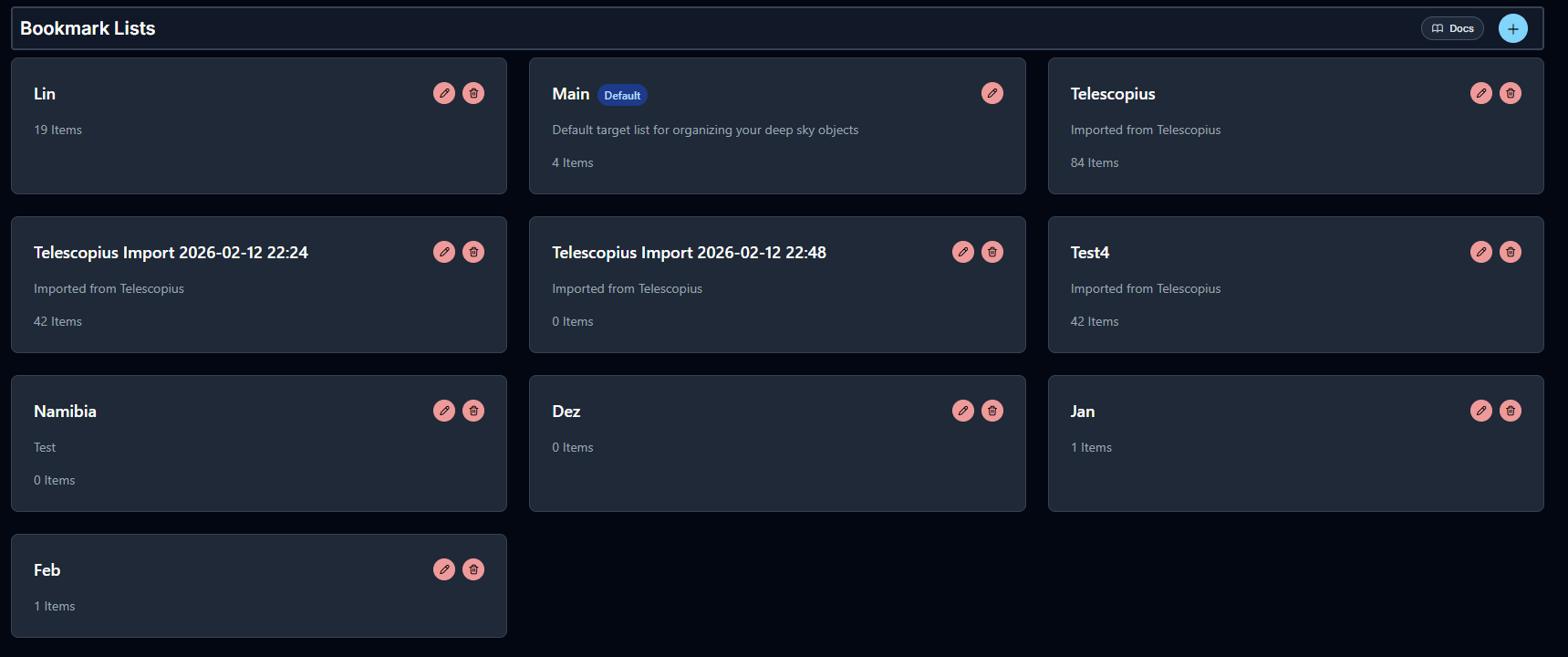
- create and manage named bookmark lists
- organize/search candidates using advanced filters
- move good candidates toward active target planning
Add to Bookmarks Dialog
When you add an object to bookmarks, AstroManager opens an Add to Bookmarks dialog.
This is where you decide how the object or current position should be stored before it becomes an active target.
Position Angle
Position Angle defines the intended rotation of the framing.
Physical Properties
Fields such as magnitude, distance, and size are completely optional.
They are helpful if you want to enrich a custom bookmark or manually entered position, but they are not required for normal bookmarking workflows.
Mosaic Settings
If the bookmark is meant to become a mosaic later, you can already define the mosaic settings here.
That includes:
- panel count in X and Y
- overlap
- whether
Rotate Panelsshould be enabled
Rotate Panels is especially useful if you have a camera rotator.
It helps keep all mosaic panels more cleanly aligned in a rectangular frame instead of forcing a less natural fixed layout. This becomes more important as you move toward higher declinations, and it matters less near the celestial equator.
Relevant Filters
Relevant Filters lets you define which filters matter for this object or framing idea.
Equipment And Observatory Assignment
You can also assign observatories and equipment directly in the bookmark dialog.
This helps when a framing idea only makes sense for a certain rig / observatory.
So even at bookmark stage, you can already say:
- which observatory this idea belongs to
- which equipment it is relevant for
without having to turn it into an active target yet.
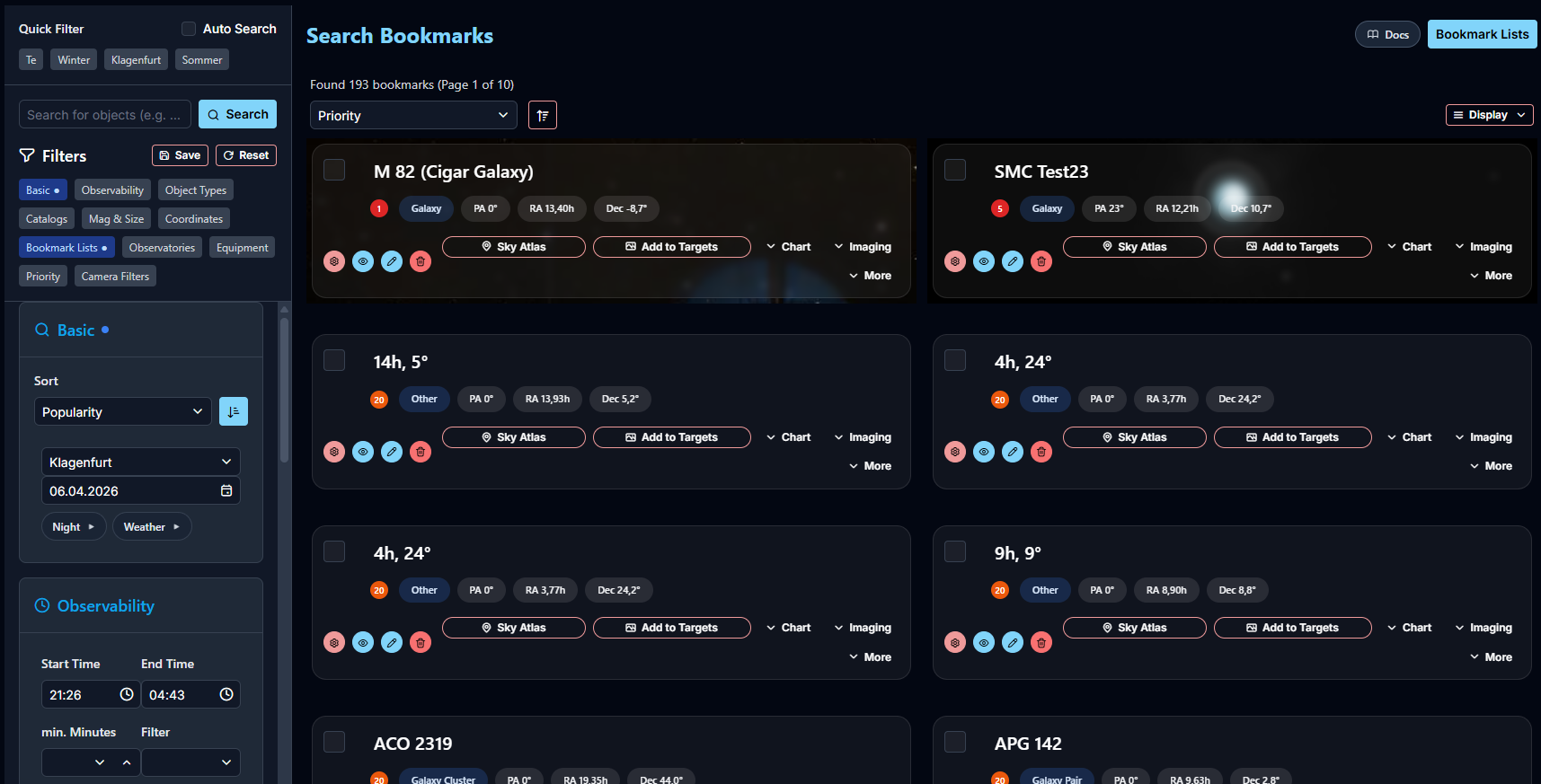
Search Bookmarks
Bookmark search supports advanced filters.
Depending on the view and the bookmark data, you can inspect:
- the Altitude Chart
- Imaging Possibilities
- additional bookmark details relevant for planning
You can also open a bookmark directly in Sky Atlas and instantly compare the field of view of its assigned equipment setups.
Managing Bookmark Lists
You can create and manage bookmark lists for different purposes. That way, saving stays fast, but long-term organization still remains clean.