Sky Atlas
Sky Atlas is the most important planning page in AstroManager.
It combines visual planning, framing, target discovery, and project decisions in one place, and it brings together functionality that would otherwise be spread across several other AstroManager areas.
Sky Atlas is powered by Aladin.
Why Sky Atlas Matters So Much
Sky Atlas is where planning becomes visual and practical.
Instead of only working with lists and filters, you can see the sky context directly and make faster decisions about framing, target choice, nearby objects, equipment fit, and project continuation.
It also brings major parts of AstroManager together directly:
Base Features
Layout And Detail Panel
On larger screens, Sky Atlas can be resized against the right-side detail panel.
Drag the divider when you want more atlas space for framing, or more detail space for object, target, bookmark, AstroBin, or community-target information.
Sky Atlas buttons include help tooltips in v1.2. If an icon is unfamiliar, hover it before changing the view.
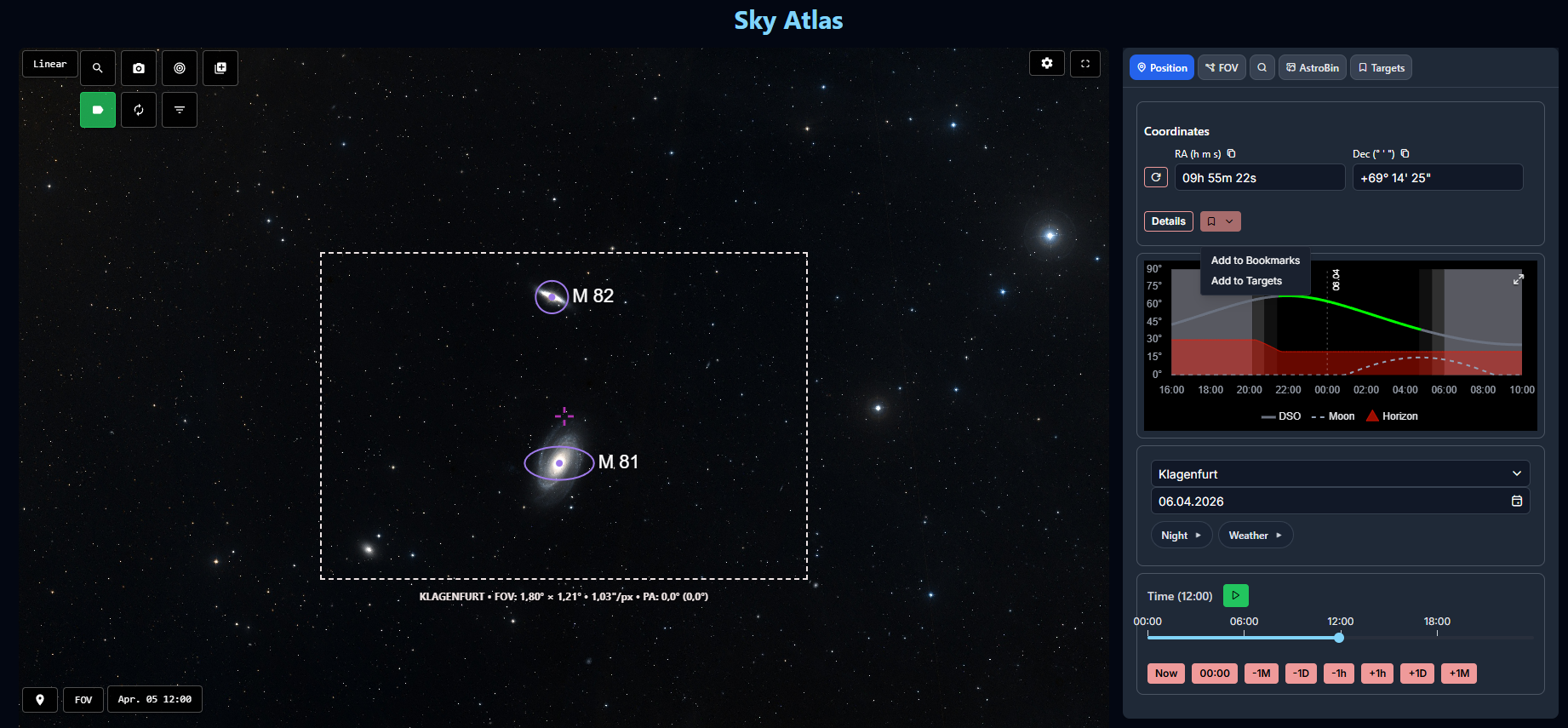
Current Position
Any position in Sky Atlas can become the starting point for planning.
From the current center position, you can:
- add the position directly to Bookmarks
- add it directly to Targets
- inspect the Altitude Chart
That makes Sky Atlas useful not only for known objects, but also for framing ideas, unnamed positions, and project extensions.
Equipment FOV Overlays
Equipment field-of-view overlays are one of the strongest features of Sky Atlas.
You can:
- show multiple equipment setups at the same time
- compare different framing options directly on the sky
- rotate overlays
- work with mosaic layouts
- lock an equipment overlay to a specific position
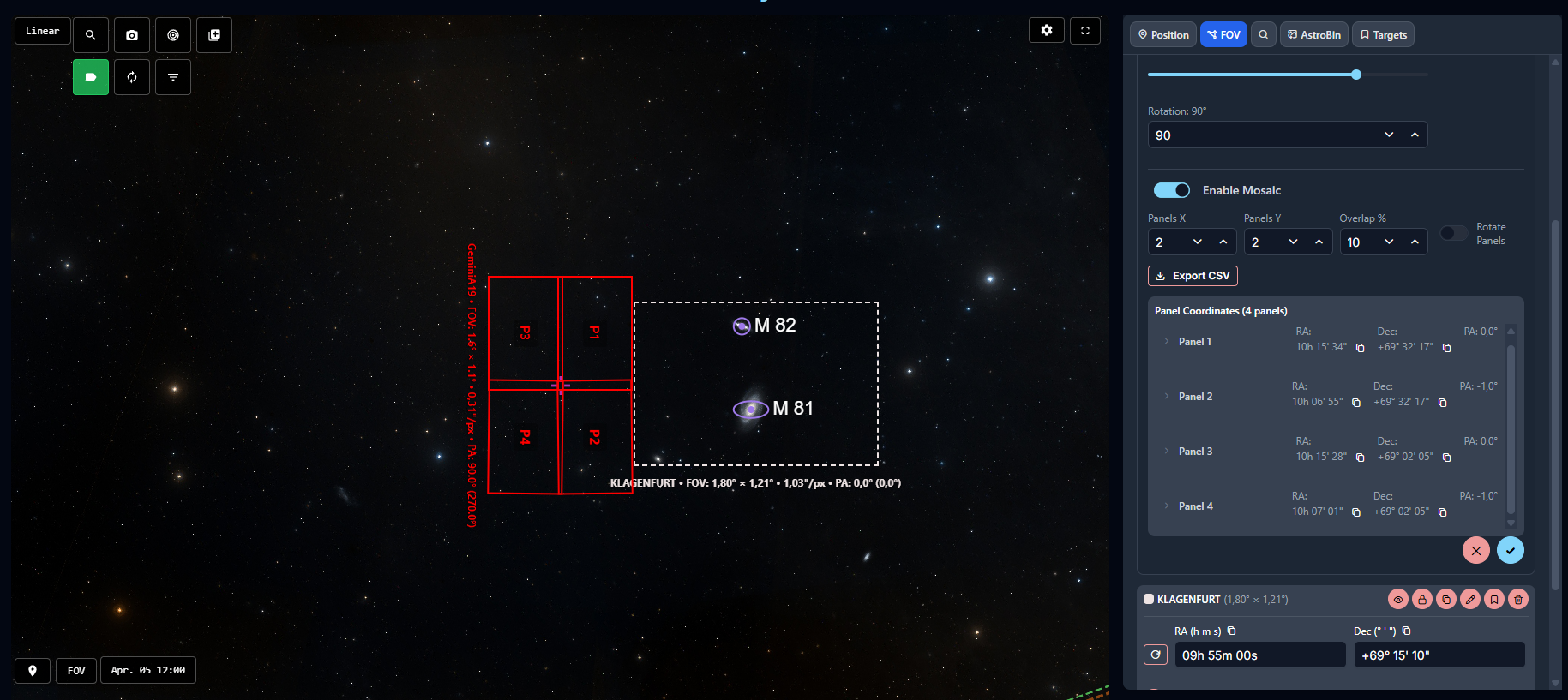
This is especially useful when you want to compare rigs, decide between multiple framing options, or extend an existing project.
Constellation Lines
Sky Atlas can display constellation lines when you want a broader orientation layer behind object markers and field-of-view overlays.
Turn them on when navigating a wide region of the sky, then turn them off again when you need a cleaner framing view.
AstroBin Integration
AstroBin integration is one of the most powerful planning tools inside Sky Atlas.
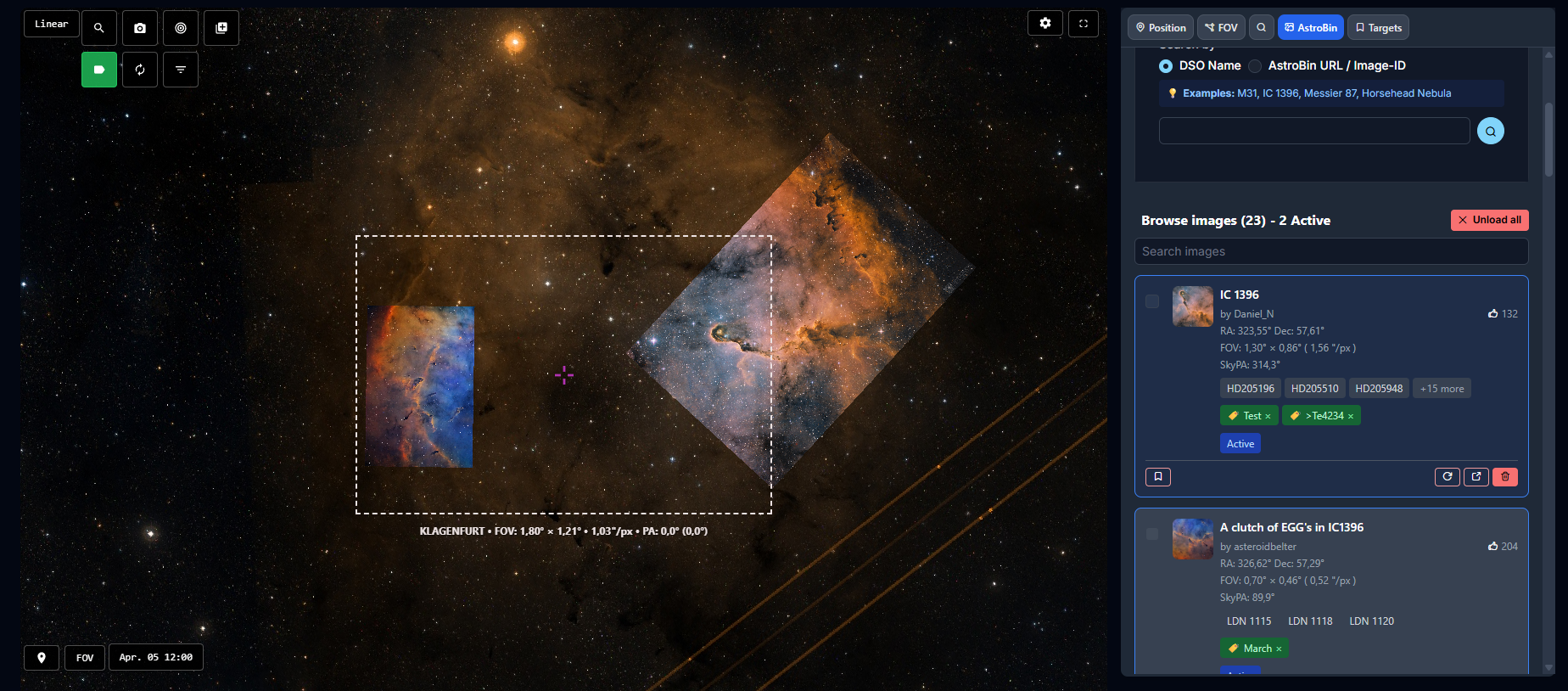
It can be used to find a fitting reference image automatically, either:
- by searching near the current sky position
- by searching via object name such as
Messier 87 - by using an AstroBin URL
- by using an AstroBin image ID
You can also control the preferred image quality for the AstroBin results.
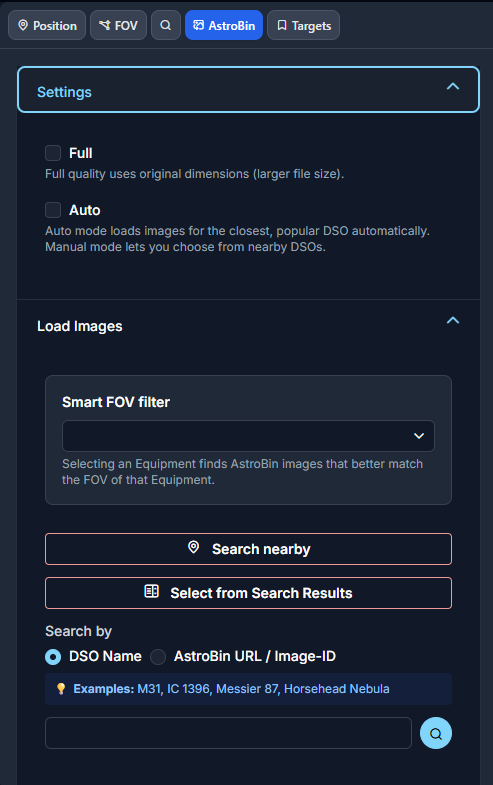
Once loaded, multiple AstroBin images can be overlaid on top of Sky Atlas at the same time.
That makes it very useful when you want to:
- compare your framing against real finished images
- check how your own equipment overlay fits an existing composition
- decide how to extend an older project
- verify whether a planned mosaic really covers the desired structure
Nearby Object Search
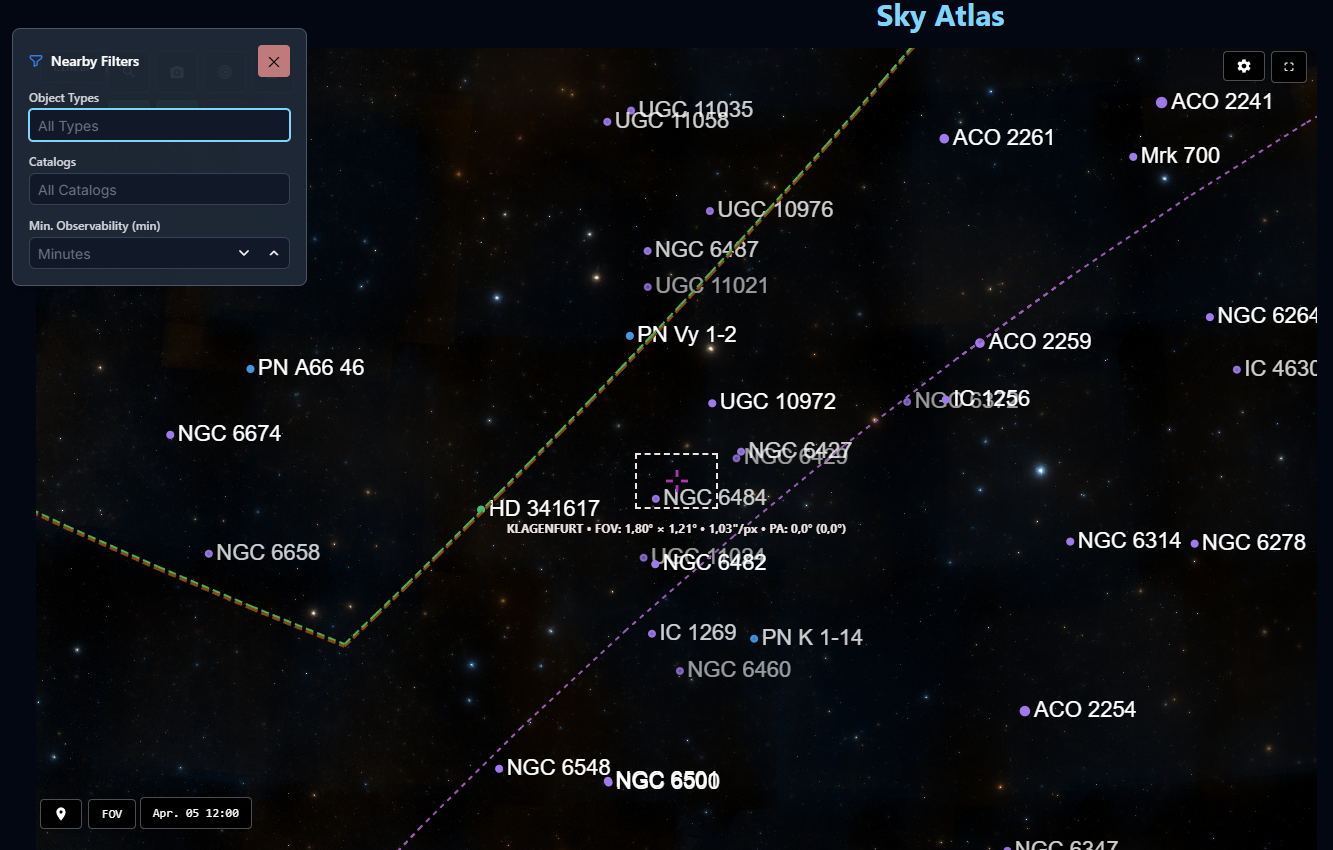
Sky Atlas supports automatic nearby-object search against the DSO database.
The nearby objects can be shown as markers directly on the atlas, which makes it much easier to discover alternative framing candidates, companion objects, or larger project opportunities around the current field.
Integrated DSO Search
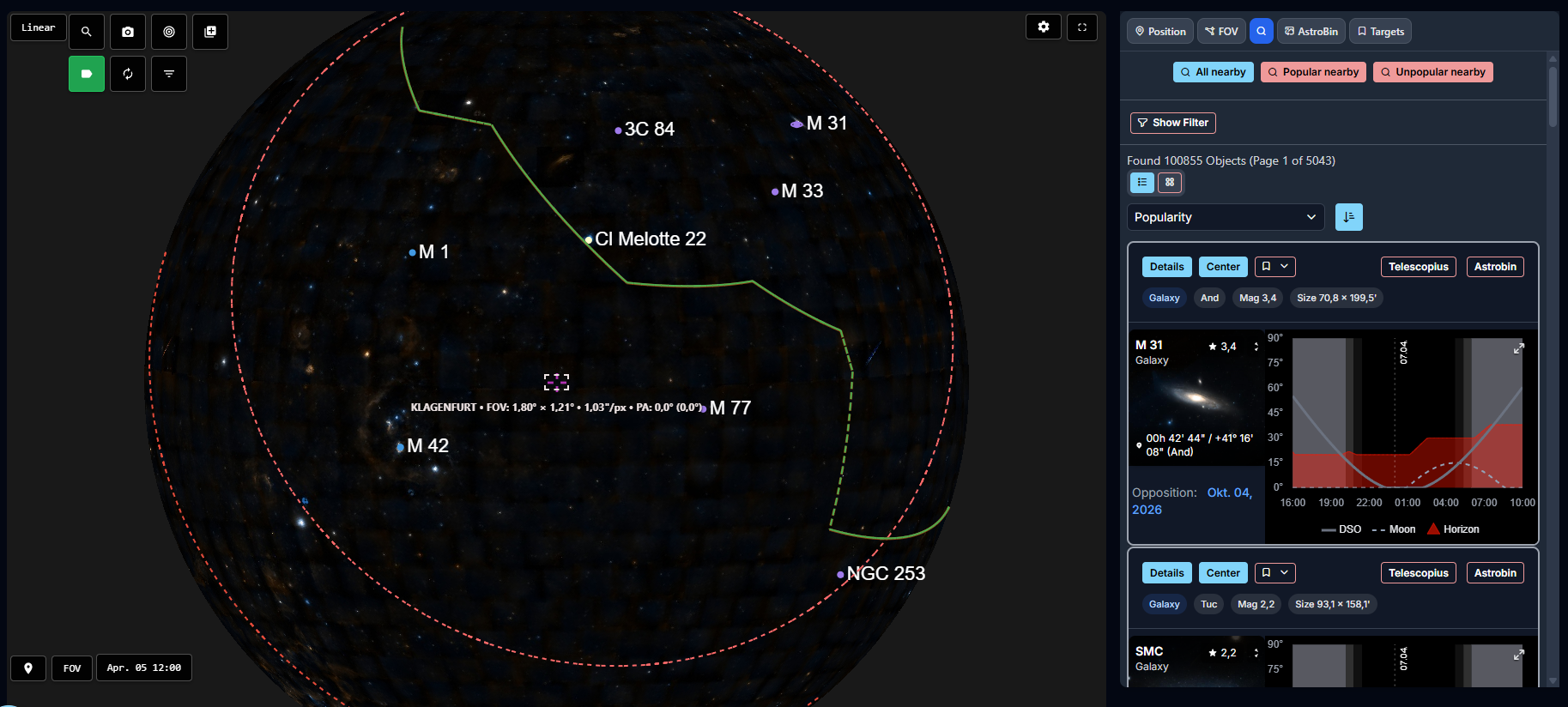
Sky Atlas also integrates AstroManager's object search workflow.
Search results can be drawn directly as markers on the sky.
Bookmarks And Targets Inside Sky Atlas
Sky Atlas is not isolated from the rest of AstroManager planning.
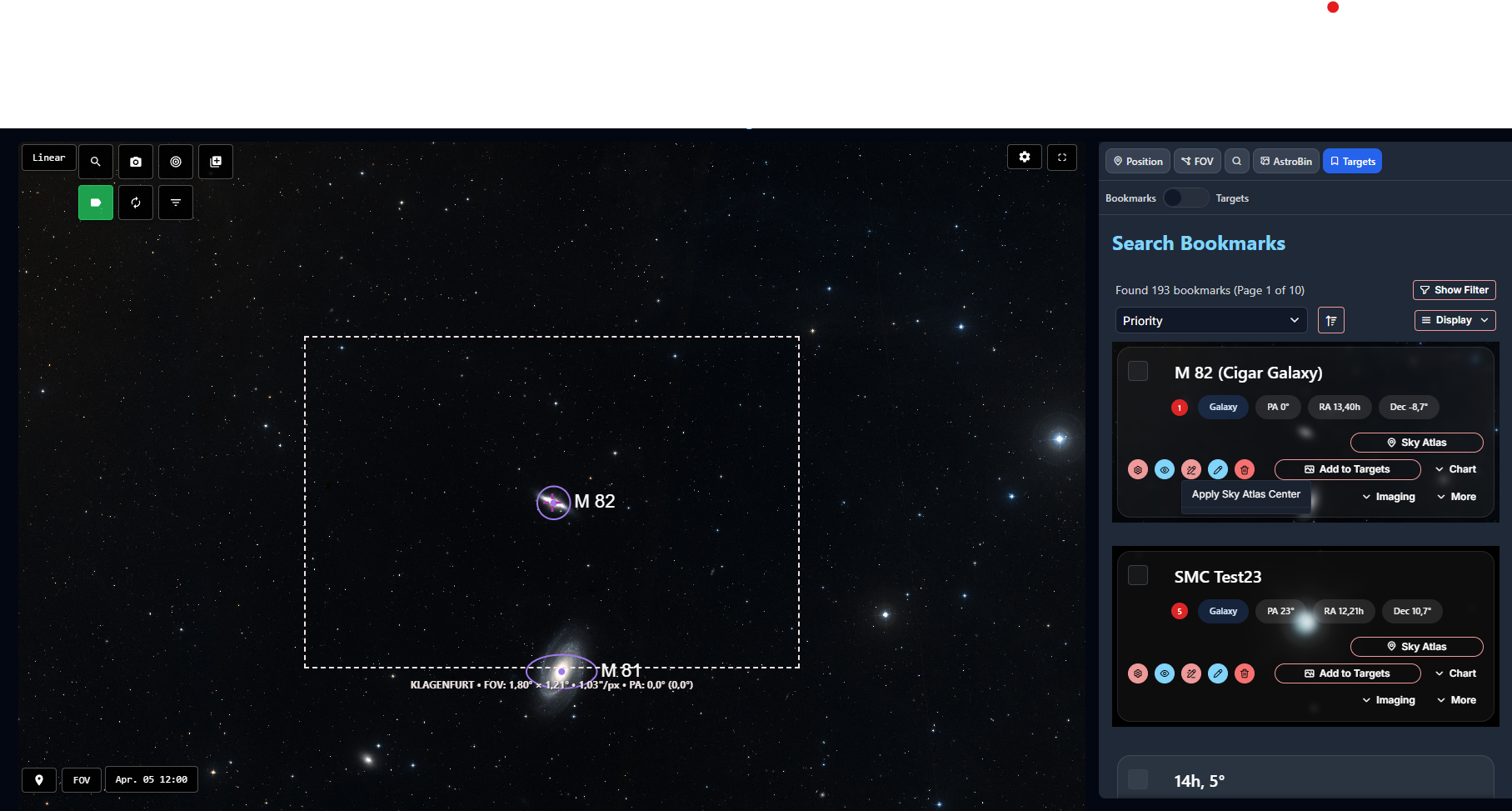
It works directly with Bookmarks and Targets.
From there, you can:
- center bookmarked or active targets on the atlas
- review them in their real sky context
- quickly overwrite their stored coordinates from the current center of Sky Atlas
Magic Button
Sky Atlas now includes a dedicated Magic Button for fast context-aware actions.
The available modes are:
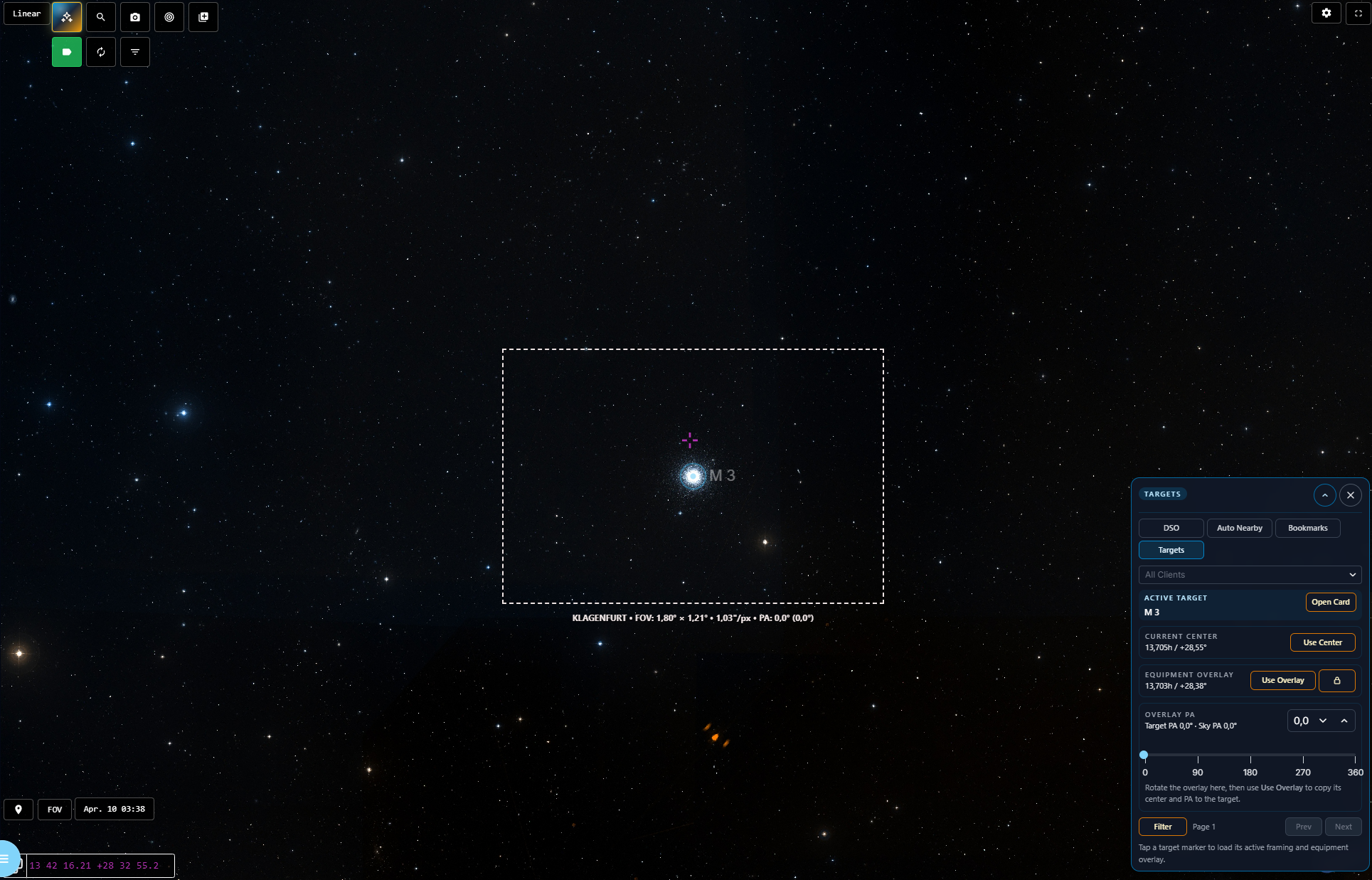
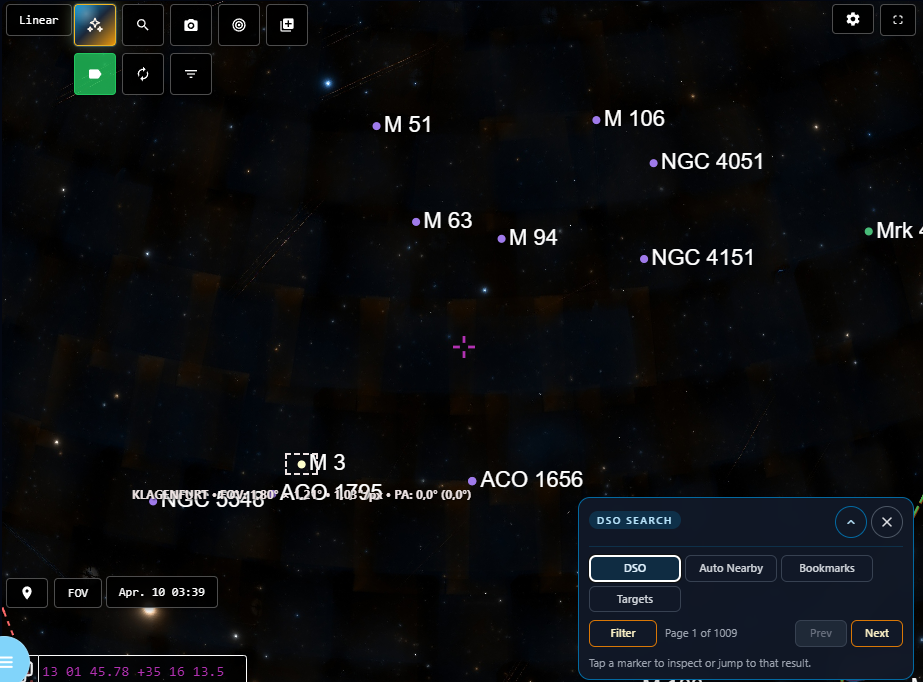
BookmarkView and change framing of your Bookmarks. Works best if Bookmark has only one assigned Equipment.TargetView and change framing of your Targets.Community TargetOpen and inspect public community targets directly in Sky Atlas with their framing context.Auto-NearbySearch nearby automatically around the current field.DSO SearchQuick DSO-Search and paging.
This makes the atlas much faster to use when you are exploring or reframing.
Community-target support is especially useful when you want to compare your own framing ideas against a public target shared by another user without leaving Sky Atlas first.
The DSO Search mode is especially useful when you want to stay inside the atlas while quickly moving from free sky navigation into object-based search and marker display.
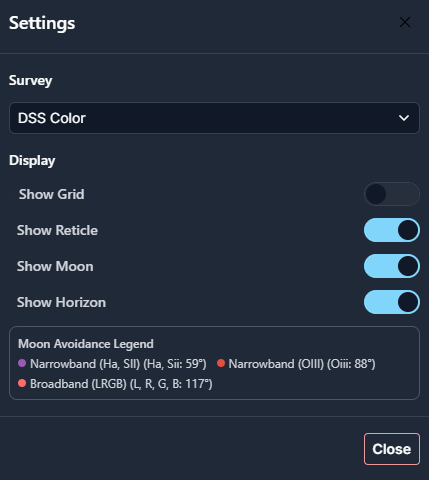
Moon Avoidance And Moon Display
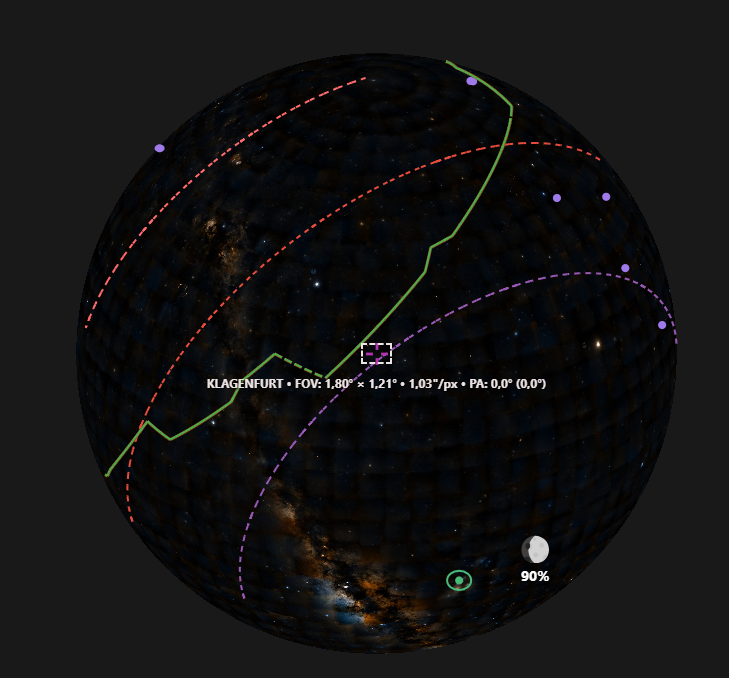
The moon is drawn automatically in Sky Atlas.
Moon avoidance also flows directly into planning, so the visual context stays aligned with the rules you configured in Moon Avoidance.
The observatory horizon is also drawn on Sky Atlas, which helps you judge whether a framing or target position is realistically usable from your location.
Sky Atlas also shows north-pole and south-pole markers for easier orientation across larger sky areas.
Multiple Surveys
Sky Atlas supports multiple surveys, including narrowband survey options such as the NSNS narrowband surveys.
That gives you different ways to inspect the same region depending on whether you care more about broadband appearance, narrowband structure, framing, or detail comparison.
If you want support for an additional survey, just contact us.