Profile Management
Manage your AstroManager account here.
On this page, you can:
- update your account details
- choose a public username for community features
- upload or remove your profile picture
- add optional public profile links
- subscribe/unsubscribe from the newsletter
- review your subscription and continue to the subscription management
- open the secure account management page to change password, login email, or 2FA settings
Public Profile
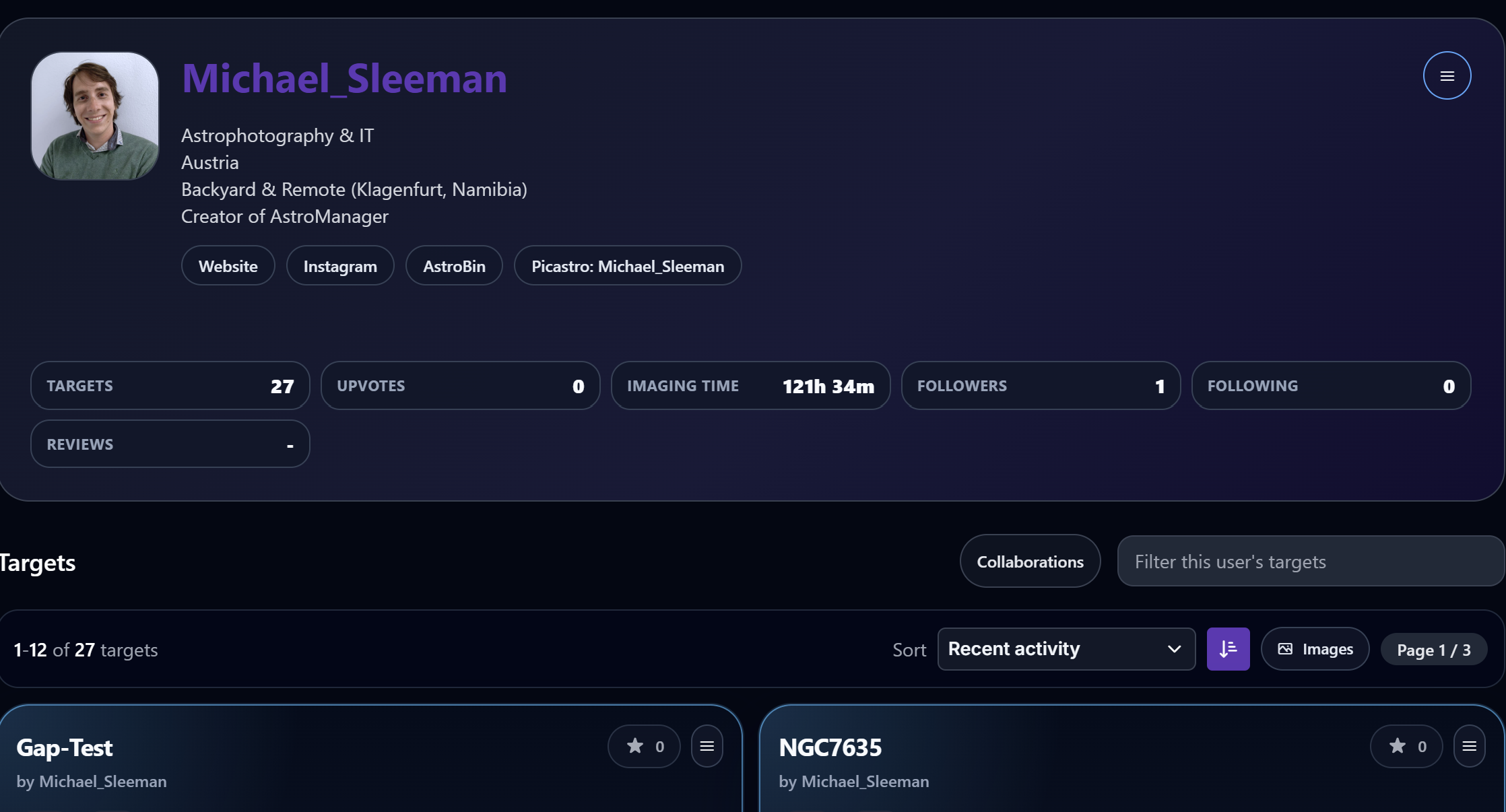
Your profile page is also the basis for AstroManager's community workflows.
Public Usernameis the name other users can search for, follow, or use when inviting you into collaboration projects.Profile Pictureis shown on your public community profile and across target discussions or collaboration workflows.- Optional public links such as AstroBin or Instagram help other users identify your work more easily.
If you plan to use Community Targets or the Collaboration Hub, setting a clear public username early is strongly recommended.
Account Security
Use Change Account Security Details on the profile page to open the secure account management page.
There you can manage:
- password
- login email
- two-factor authentication (2FA)
Managed by Identity Provider
Security settings such as password, login email, and 2FA are handled by the identity provider, not directly inside the AstroManager profile form.