AstroManager
Your Intelligent Astrophotography Planning & Management Platform
Current Version: 1.1.2
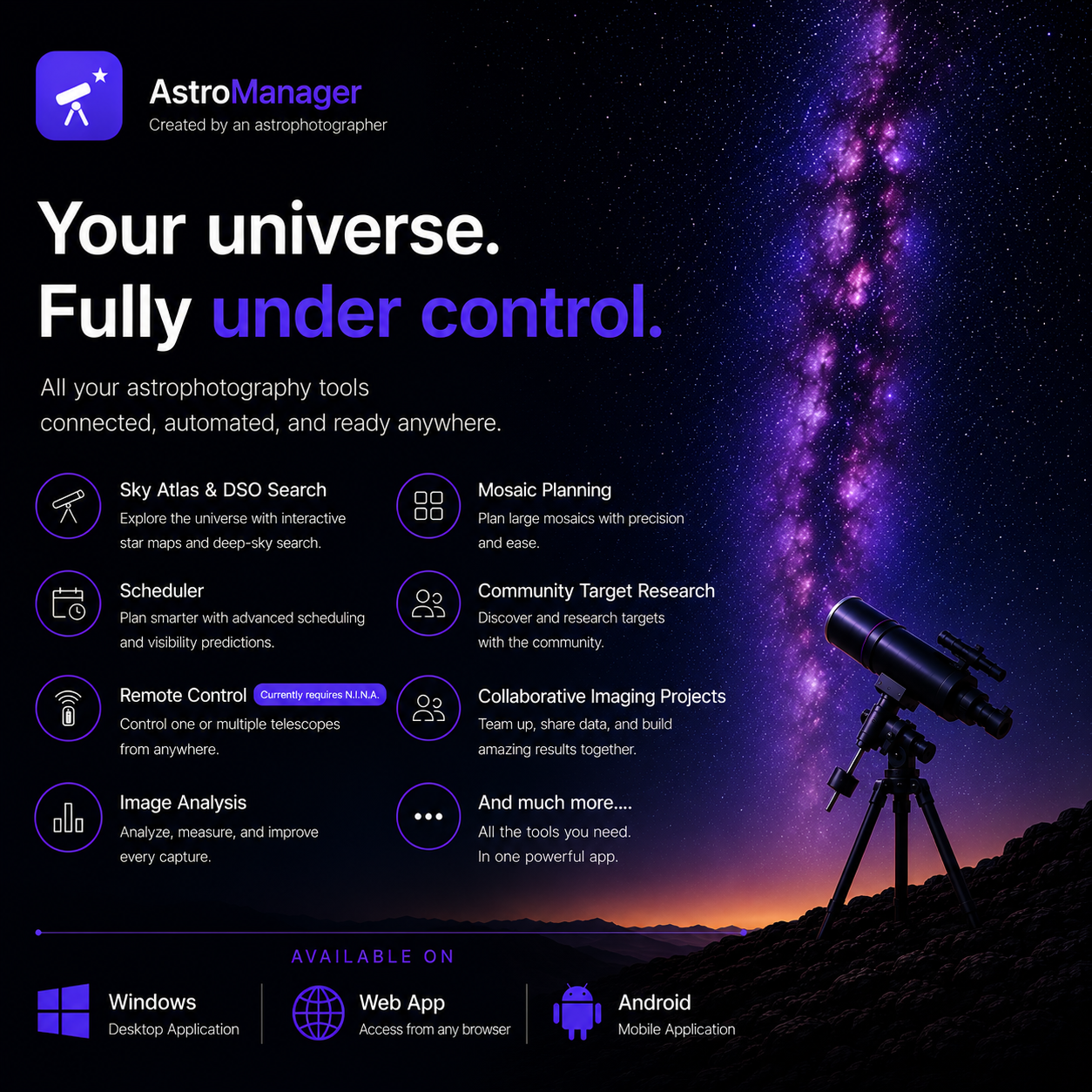
AstroManager is a comprehensive cloud-based platform designed for astrophotographers who want to streamline their imaging workflow. From planning your next deep sky target to managing remote telescope sessions, AstroManager provides all the tools you need in one integrated solution.
Key Features
-
:material-telescope:{ .lg .middle } Deep Sky Object Database
Access a comprehensive database of over 50,000 deep sky objects with detailed information, images, and observability data for your location.
-
:material-calendar-clock:{ .lg .middle } Intelligent Scheduler
Plan your imaging sessions with our advanced scheduler that considers altitude, moon interference, and your equipment capabilities.
-
:material-remote-desktop:{ .lg .middle } Remote Control & Monitoring
Monitor your telescope equipment in real-time from anywhere. View live status, captured images, and control your imaging session.
-
:material-puzzle:{ .lg .middle } N.I.N.A. Plugin Integration
Seamlessly integrate with N.I.N.A. (Nighttime Imaging 'N' Astronomy) for automated target scheduling and equipment synchronization.
How It Works
graph LR
A[Plan Targets] --> B[Configure Equipment]
B --> C[Schedule Session]
C --> D[N.I.N.A. Plugin]
D --> E[Automated Imaging]
E --> F[Review & Manage]
- Plan Your Targets - Search and filter deep sky objects based on observability, size, type, and more
- Configure Your Equipment - Set up your telescope, camera, and filter profiles
- Schedule Your Session - Create imaging goals with exposure plans and priorities
- Connect N.I.N.A. - Use the AstroManager plugin to sync with your imaging software
- Automated Imaging - Let AstroManager decide what to image based on current conditions
- Review & Manage - Track your progress, view captured images, and generate reports
Platform Components
Web Application
The AstroManager web application (app.astromanager.app) is your central hub for:
- Dashboard - Overview of your observatories, upcoming sessions, and recent activity
- Target Search - Find and filter deep sky objects with advanced criteria
- Target Lists - Organize your imaging projects into manageable lists
- Scheduler - Configure imaging sessions with detailed exposure plans
- Gallery - View and manage your captured astrophotography images
- Settings - Configure observatories, equipment, and preferences
N.I.N.A. Plugin
The AstroManager plugin for N.I.N.A. provides:
- Target Scheduler Instruction - Automatically selects and images targets from your schedule
- Loop Condition - Controls when to continue or stop imaging based on AstroManager
- Live Equipment Status - Syncs your equipment state to the cloud in real-time
- Image Upload - Automatically tracks and uploads captured images
Getting Started
New to AstroManager? Follow these steps:
- Create an Account - Sign up for AstroManager
- Set Up Your Observatory - Configure your location and equipment
- Install the N.I.N.A. Plugin - Connect your imaging software
- Create Your First Target - Start planning your imaging session
Subscription Plans
AstroManager offers flexible subscription options:
| Feature | Trial | Subscription |
|---|---|---|
| Full Web App Access | ✅ 28 days | ✅ Unlimited |
| DSO Database | ✅ | ✅ |
| Target Lists | ✅ | ✅ |
| Advanced Scheduler | ✅ | ✅ |
| N.I.N.A. Plugin | ✅ | ✅ |
| Remote Monitoring | ✅ | ✅ |
| Priority Support | ❌ | ✅ |
Support
Need help? We're here for you:
- FAQ - Common questions and answers
- Community - Join our community of astrophotographers
- Contact Support - Get in touch with our team